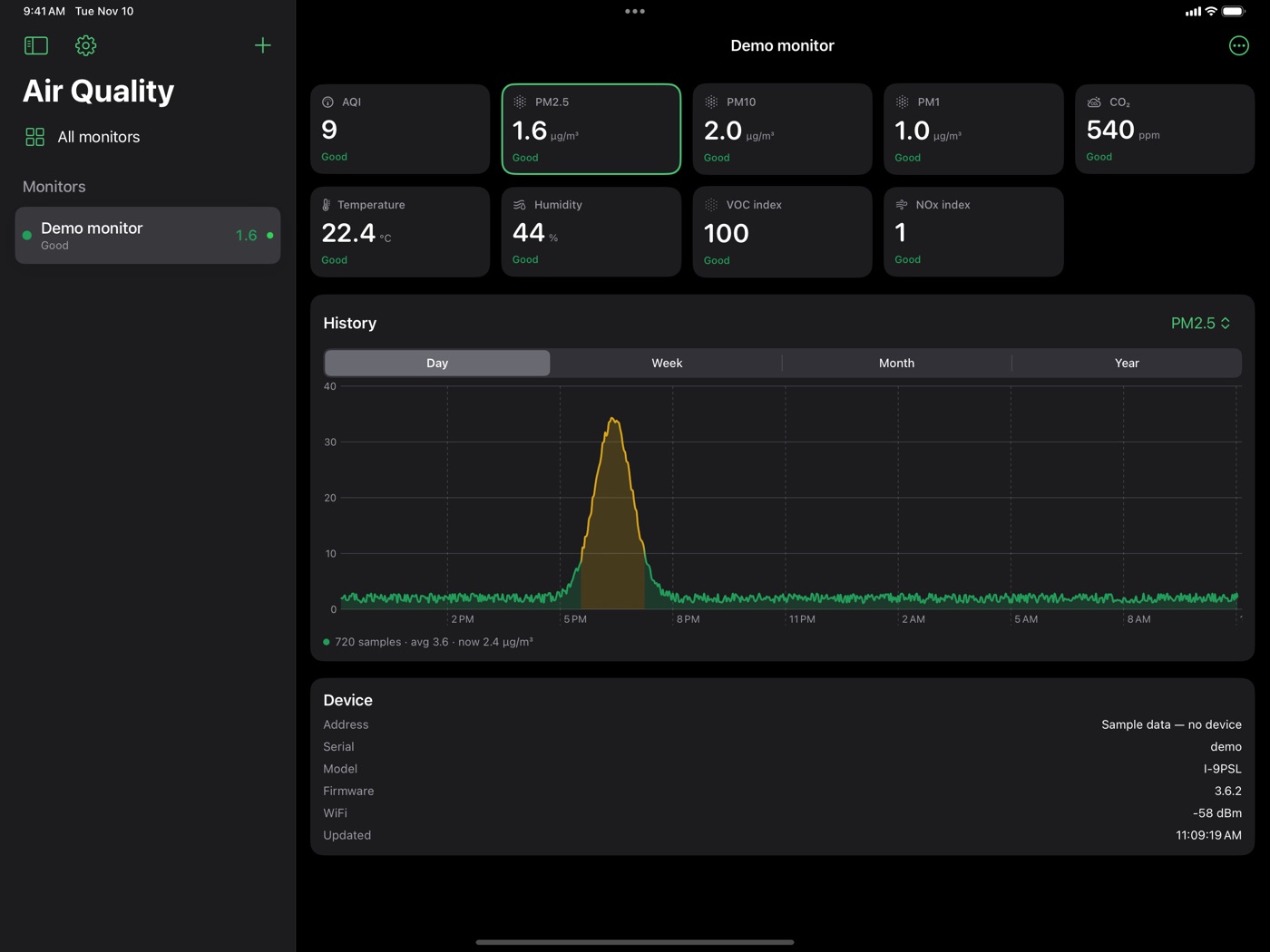
AirGradient makes good, open air-quality monitors, but their own display only shows what the air is like right now. Aetherfield Air is a free app for iPad and iPhone that shows what your monitor is measuring, now and over the past year. It is free on the App Store.
How it works
The app talks to the monitor directly over your own Wi-Fi. There is no account, no subscription and no cloud service in the middle, and nothing about your home leaves your home. Monitors on your network turn up on their own, or you can add one by its address. An AirGradient cloud account is optional, for a monitor somewhere else: a second house, an office, an outdoor unit on another network.
It shows particulates (PM2.5, PM10, PM1), CO2 as a measure of how stale a room’s air is, temperature and humidity, and the VOC and NOx indices. Each reading is rated in plain words, using the US EPA’s 2024 air-quality scale.
History that tells the truth
The monitors keep no history of their own, so the app records it. Tap any reading to chart it. The line is coloured by air quality along its length, so you can see when the air went bad and for how long.
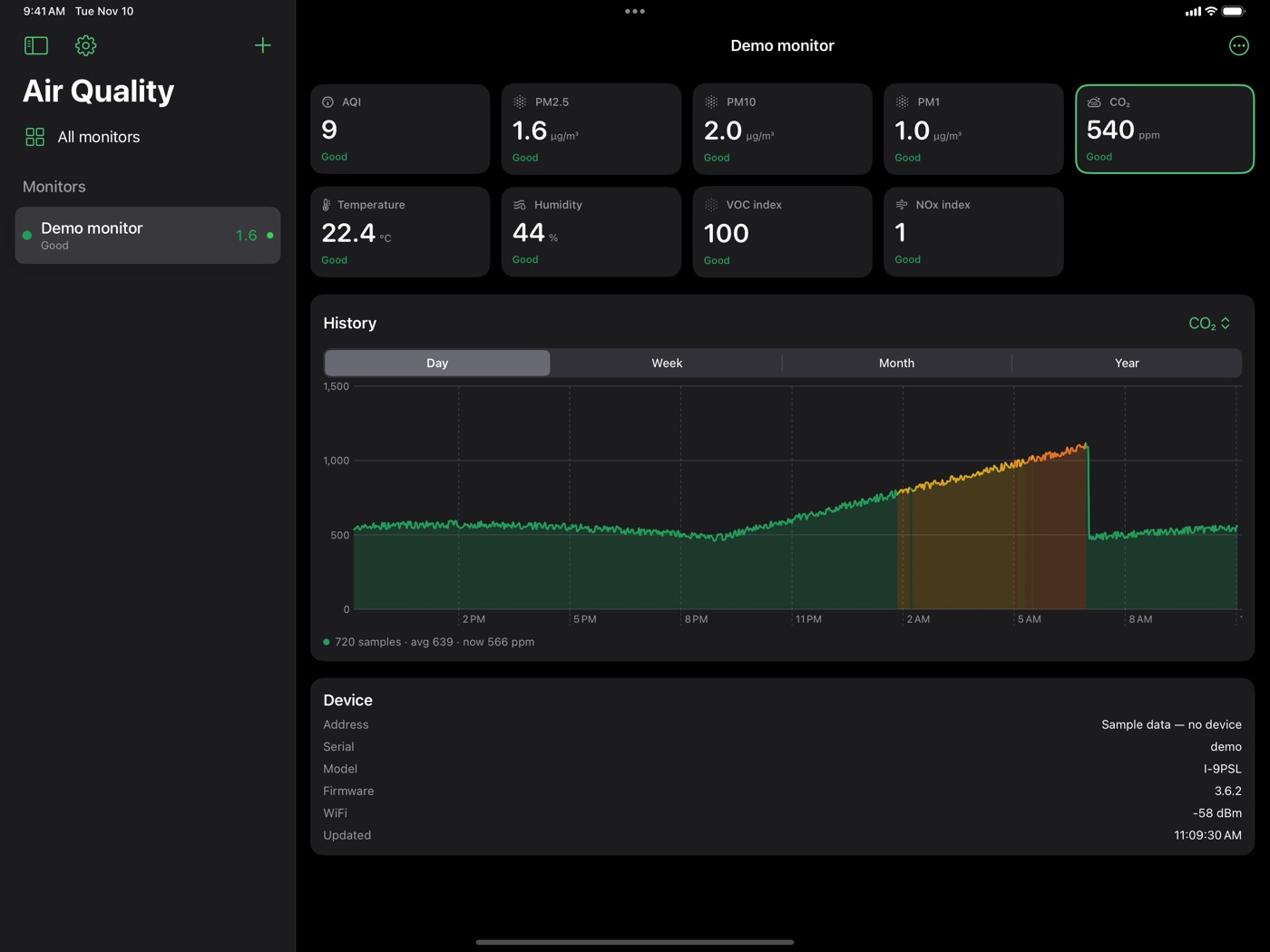
Gaps are shown as gaps. If the app wasn’t running, the line breaks rather than drawing a trend nobody measured. Cloud monitors fill in from AirGradient’s own continuous record.
Made for an iPad on a shelf
An old iPad propped up in a room makes a good permanent air display, so that is what the layout is built around: the list of monitors stays beside a full-size detail pane. On iPhone the same screens fold into ordinary navigation.
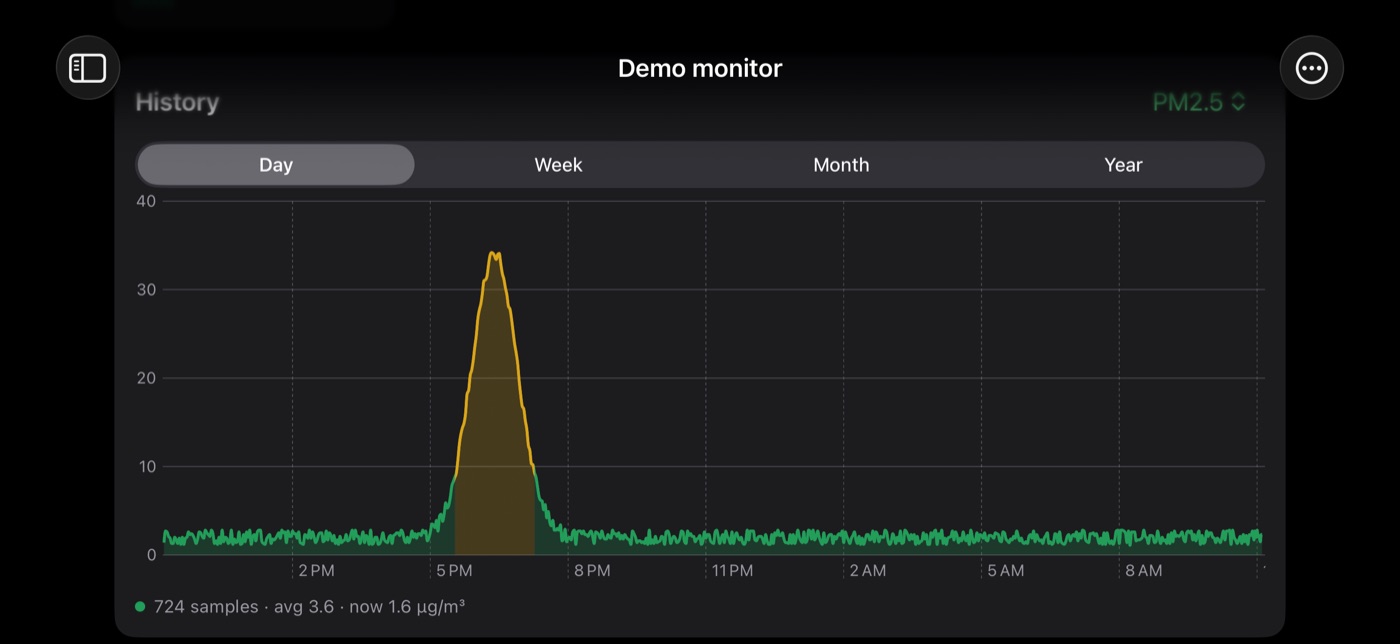
No monitor yet? Tap Try sample data for a made-up monitor with two days of history. Nothing is contacted, and it is the whole app, working.
Inside
Swift and SwiftUI, reading the monitor’s local web interface every minute or so and storing the readings on the device. The source is open, under the MIT licence. It is an independent app, not made by or affiliated with AirGradient. Its sibling is the air quality screen I built for the Seattle Makers spray room, a Raspberry Pi that does the same job on a wall.
Links
- App Store: Aetherfield Air (iPad and iPhone, free)
- Support: sohl.com/apps/aetherfield
- User manual: adding monitors, reading the numbers, history
- Privacy policy: the app collects nothing
- Source code: github.com/NormSohl/AirGradient-to-iOS (MIT licence)
- AirGradient monitors: airgradient.com